
Keep the answer key useful
An answer key isn’t written once. Models get better, your feature changes, and new kinds of input show up. A little upkeep each week keeps the tests telling you something: new cases for what’s new, and fewer cases that every model already gets right.
The weekly check
Section titled “The weekly check”Once a week, Evalkeeper tests each feature’s live model again on its quick set, and the hub’s Weekly check reports:
- Drift: a live model scoring lower than it did, often a provider changing a model under the same name.
- Retiring: live models the provider is about to retire.
- Thumbs down: features whose share of thumbs down climbed.
- Drafted: new draft cases from real use, waiting for a person.
- Didn’t finish: checks that stopped partway.
Run it now runs it at once; while it runs, the button shows a spinner and each feature’s line reflects its newest check, so one that failed earlier and passed when run again no longer shows. Scheduling it is step 8 of the setup.
When it flags a feature, open it, test every model, and read what changed before you switch anything.
Review new drafts
Section titled “Review new drafts”If your suites draft cases from real use, a few arrive each week as drafts. Confirm or fix their answers (Build your answer key); a draft nobody confirms is never graded against.
Retire cases nobody misses any more
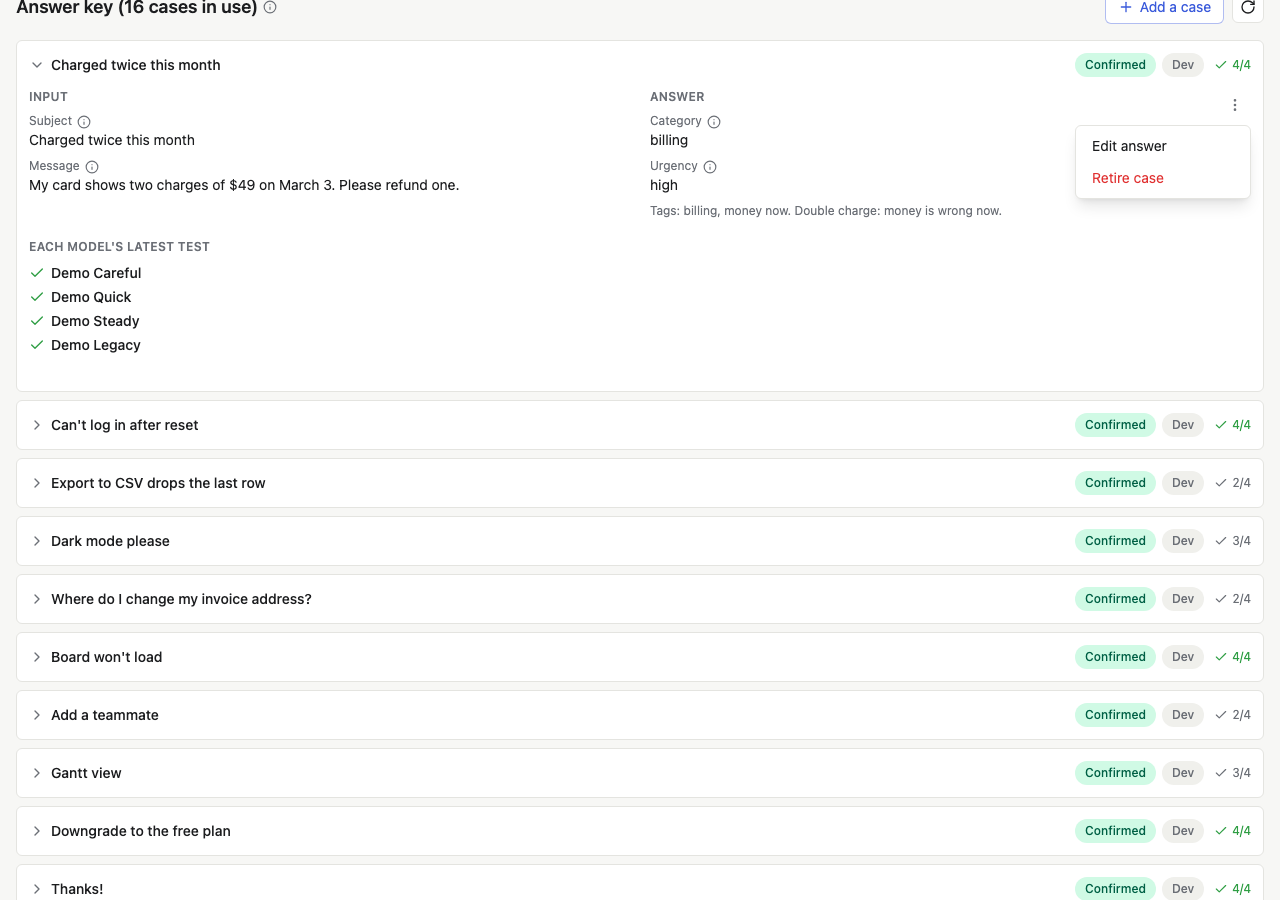
Section titled “Retire cases nobody misses any more”A case every model gets right, test after test, no longer tells models
apart. It still costs money each time it runs, and it makes every score
look closer than it is. Each case in the answer key shows how many of
the models tested on it got it right (4/4).
Answer key health
Section titled “Answer key health”Once three or more models have current tests, each feature’s page shows Answer key health above the answer key, when something needs a look:
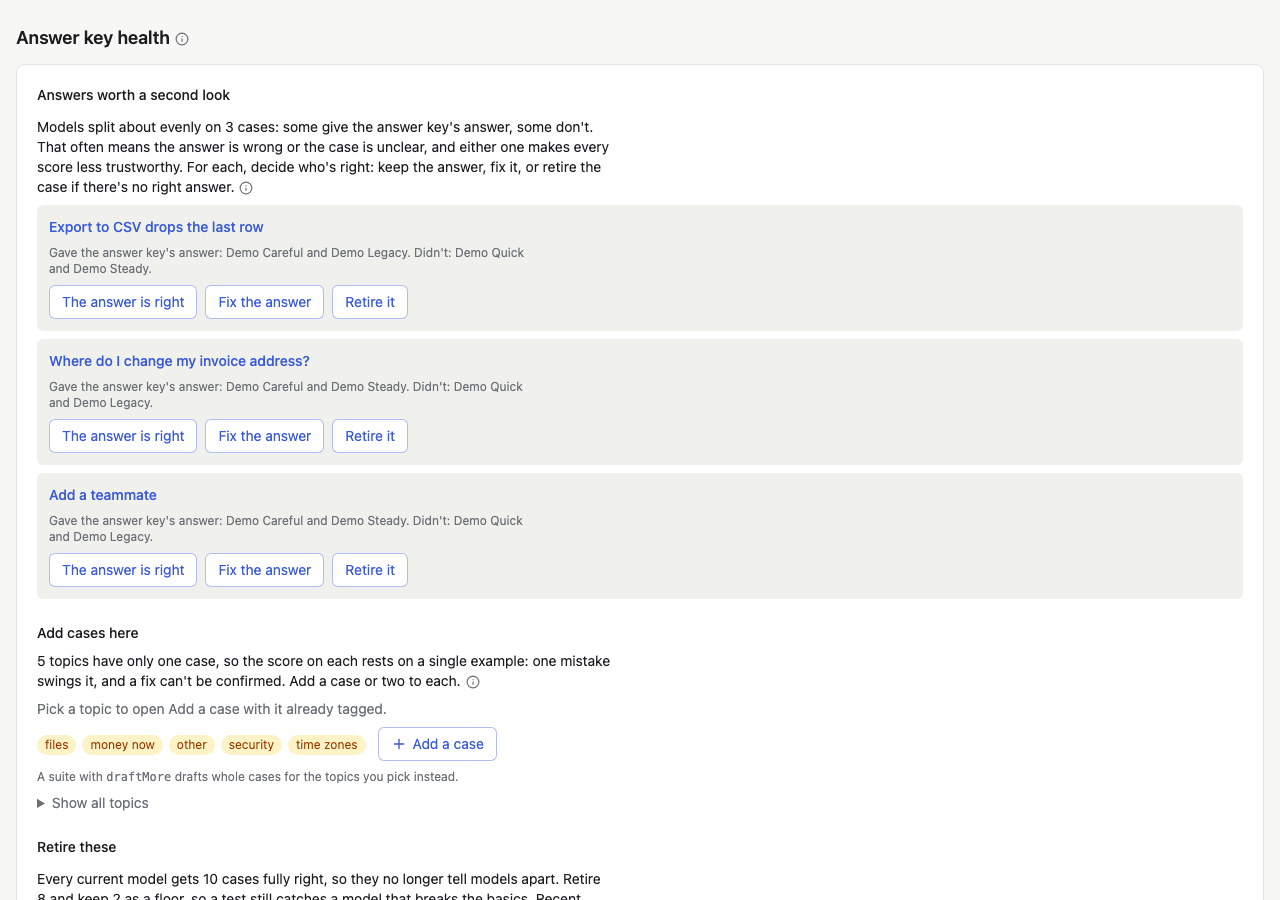
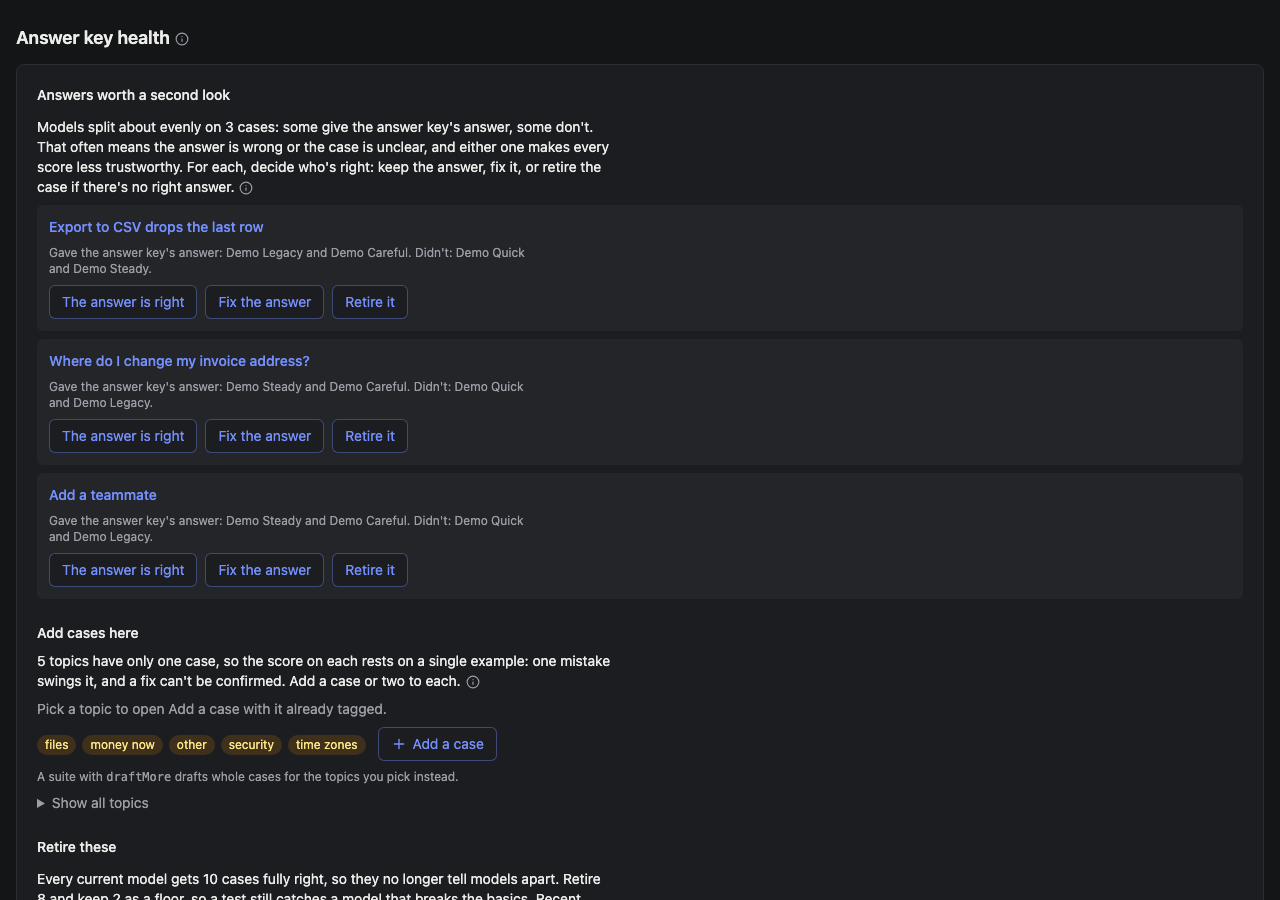
It lists what to do, in order:
-
Answers worth a second look. Cases models split about evenly on: some give the answer key’s answer and some don’t, and each case lists which. That usually means the answer is wrong or the case has no clear answer. Decide who’s right, then press one of:
- The answer is right: it’s confirmed again, and leaves the list until a newer test splits on it.
- Fix the answer: opens the case to edit it.
- Retire it: for a case with no right answer.
Once it’s right, a split case is the most useful kind you have. Pairs of near-duplicates are here too: keep the clearer one.
-
Add cases here. Topics (tags) with only one case, so the score on each rests on a single example. On a suite with
draftMore, pick topics and press Draft cases for the topics you picked (two each; pick none for all). Otherwise, a topic opens Add a case with it already tagged, and Add a case beside them opens it untagged. Show all topics lists every tag and its count. -
Retire these. Cases every current model gets fully right: Retire N easy cases retires them all but a floor, then rescores recent tests for free. And drafts nobody reviewed in 30 days, which the weekly check retires on its own, or Retire N old drafts now.
The floor
Section titled “The floor”Retiring every easy case would leave nothing to catch a model that breaks the basics. So some easy cases stay: as many as a tenth of the cases in use, and at least one. The quick set’s cases are kept first, since the weekly check runs those. A case counts as easy only once three or more current models all get it right; one model getting it right isn’t evidence.
Retire one case by hand
Section titled “Retire one case by hand”Retire a case for another reason too: its input no longer happens in your product, or it nearly repeats another case. Open the case, open its menu, and press Retire case. It leaves every future test and every score, and its answers and past results stay in your database. Press Rescore tests afterwards (free) so recent tests leave it out too.
Test again when something changes
Section titled “Test again when something changes”| What changed | What to do | Costs |
|---|---|---|
| A prompt, an output schema, or a tool description | Test again | A test per model |
| A provider shipped a new model | Add it to your catalog and test it | One test |
| An answer or a check | Rescore tests | Free |
| The weekly check flagged drift | Test every model, then decide | A test per model |