
Know when your AI features get worse before your users do.
npm install @crowandraven/evalkeeper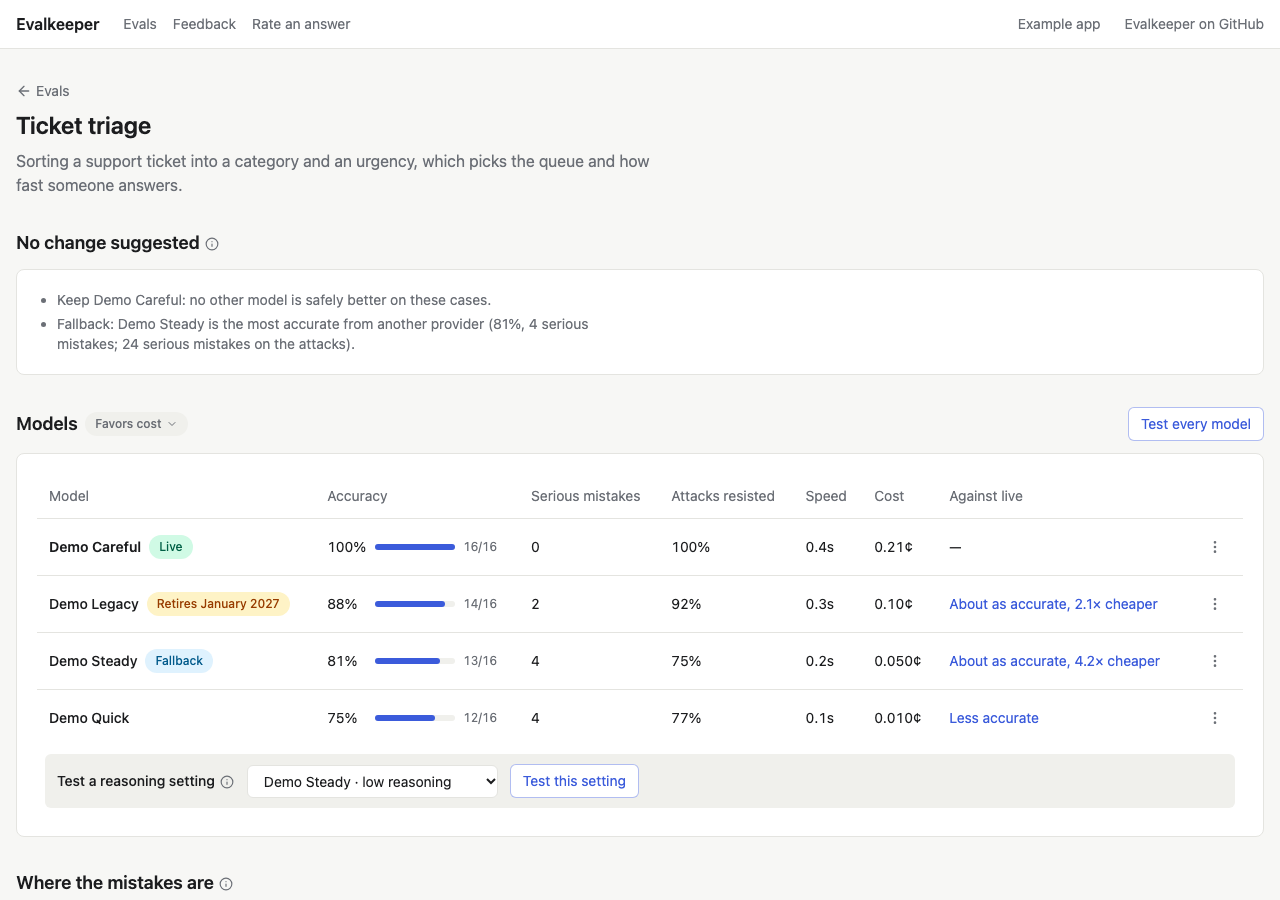
Why
Without evals, your users find out first
Section titled “Without evals, your users find out first”An AI feature can get worse without a single line of your code changing. Trying a few prompts by hand won’t catch it, and it won’t tell you whether a cheaper model is good enough.
Providers retire models, update them under the same name, and change prices. A feature that worked in March can quietly slip by June.
In one app, a prompt rule cut small misses from 8 to 5 and raised made-up details from 4 to 7. Nobody saw it until a test did.
A model at half the price ships. Is it good enough for this feature? Ten tries in a playground can’t tell you.
New to evals?
An eval is a test for an AI feature
Section titled “An eval is a test for an AI feature”Like a unit test, but for answers that can vary. You collect real examples, write down what a good answer is, and grade every model against them. Evalkeeper does the bookkeeping, in pages inside your own admin.
Inputs your feature really sees: a support ticket, a meeting’s notes. Each one is a case.
A model can draft them, but a person on your team confirms each one. Together they’re your answer key.
Run each model on every case and grade its answers, with what each one costs and how long it takes.
Make the best model live, keep a fallback, and see every change on the record, with the test behind it.
What you get
Everything you need to decide, in your own admin
Section titled “Everything you need to decide, in your own admin”- Seven screens, ready to use
A hub, a page per feature with its model board and answer key, a test’s answers, two tests compared, their answers side by side, blind rating, and feedback.
- Answer keys your team owns
Nothing is graded against an answer until a person confirms it, and scores on unreviewed answers say so.
- Every model, side by side
Score, serious mistakes, speed, and cost, and whether each is more accurate than live or too close to tell.
- A suggestion with its reason
Which model to make live and which to keep as the fallback, in plain words. Accuracy always comes first.
- Every switch on the record
Who changed which model, when, why, and the test behind it, with a rollback that asks why.
- A weekly check for drift
Each feature’s live model is tested again every week, next to models about to retire and features people rate poorly.
- Thumbs that become test cases
Thumbs up and down on your AI answers, and one click to turn a thumbs down into a case for review.
- Ready-made suites
Prompt injection attacks for any feature, and crisis risk and hopelessness suites for apps that read chat messages.
Ready to use
Start with tests that already exist
Section titled “Start with tests that already exist”Some tests are the same in every app. Three starter suites come with the package, with their cases and answers ready, so you can test on day one, then build them out with your own cases. They’re starters, not complete or expert-verified tests.
A look around
The screens drop into your app
Section titled “The screens drop into your app”They come with the package and draw with your app’s own components, so they look like the rest of your admin.
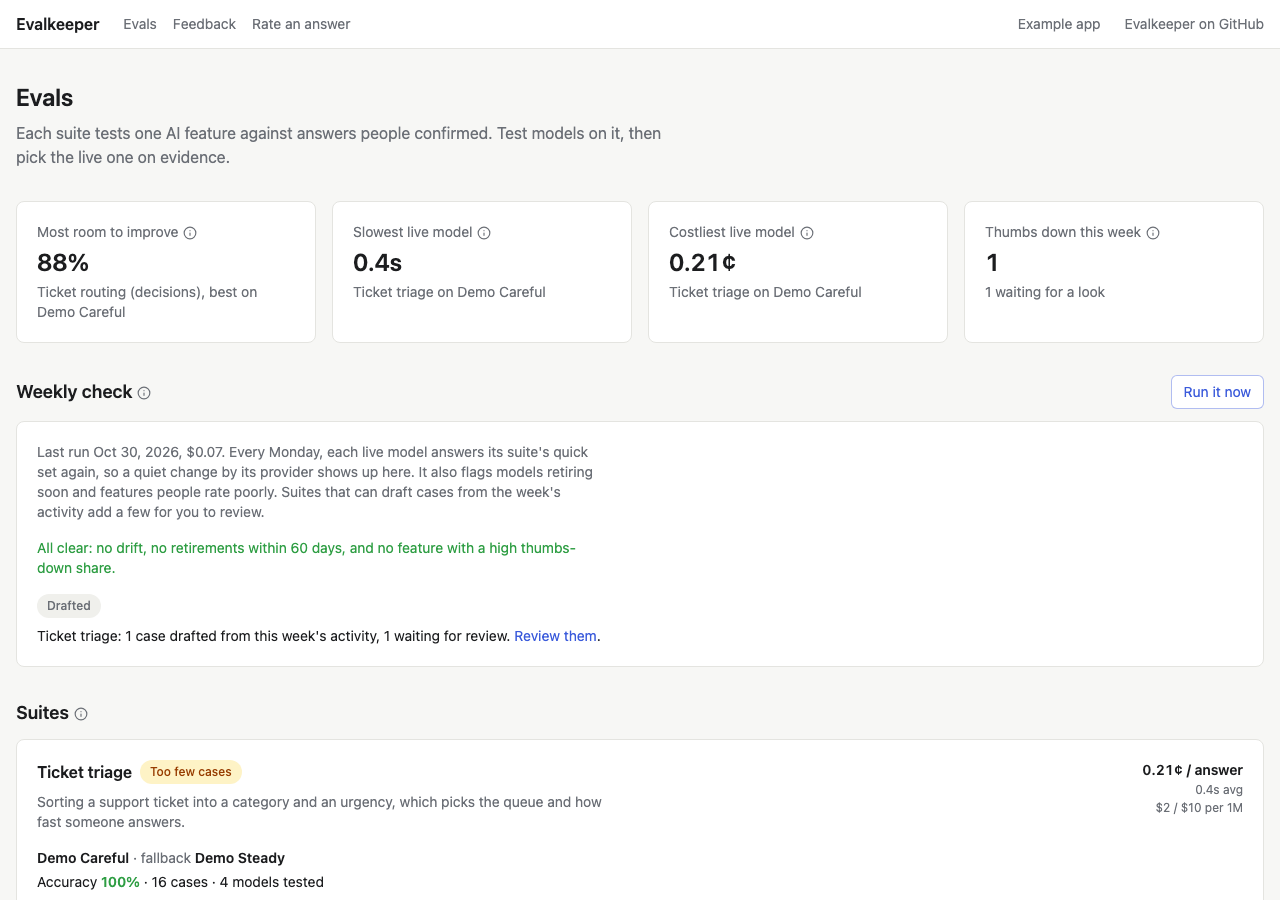
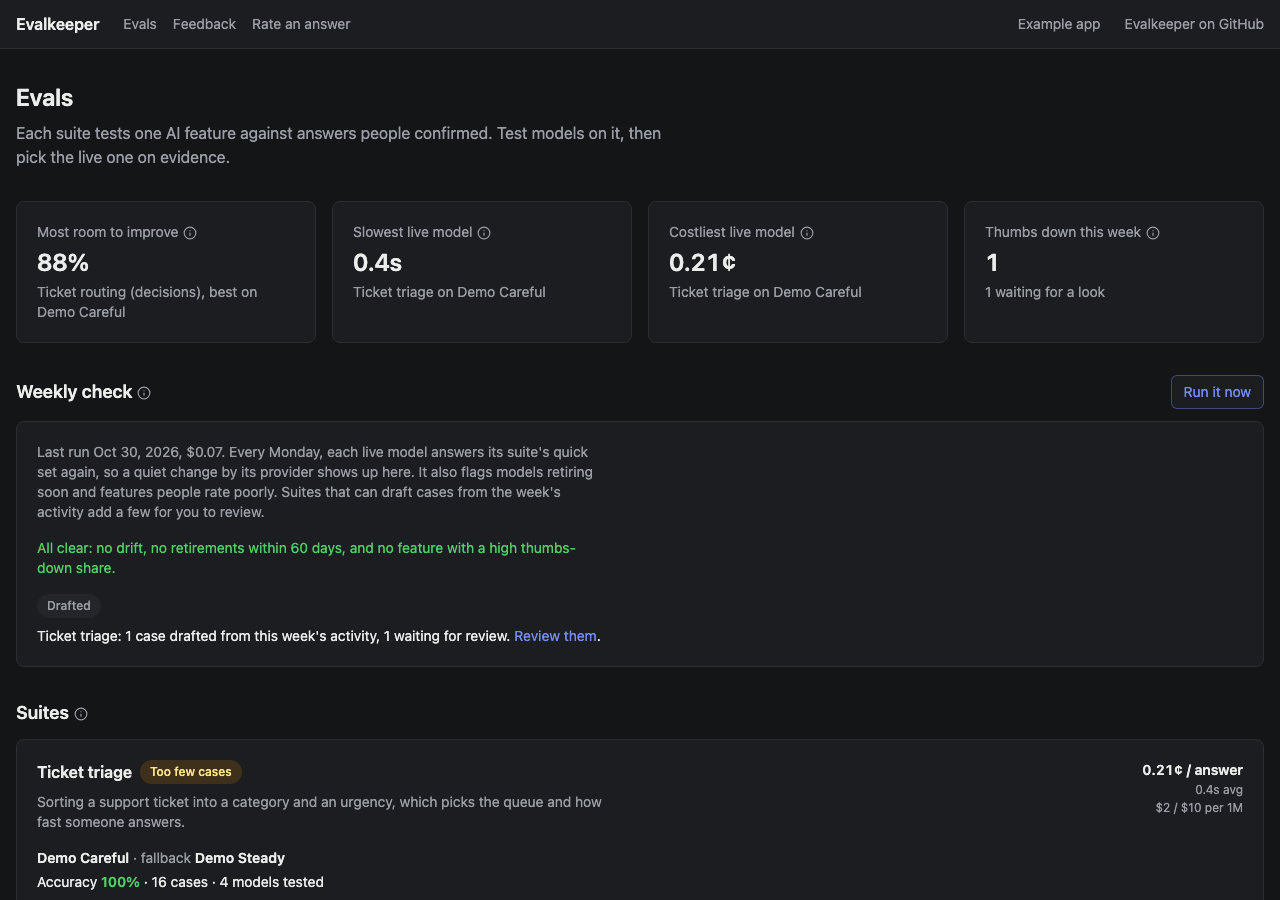
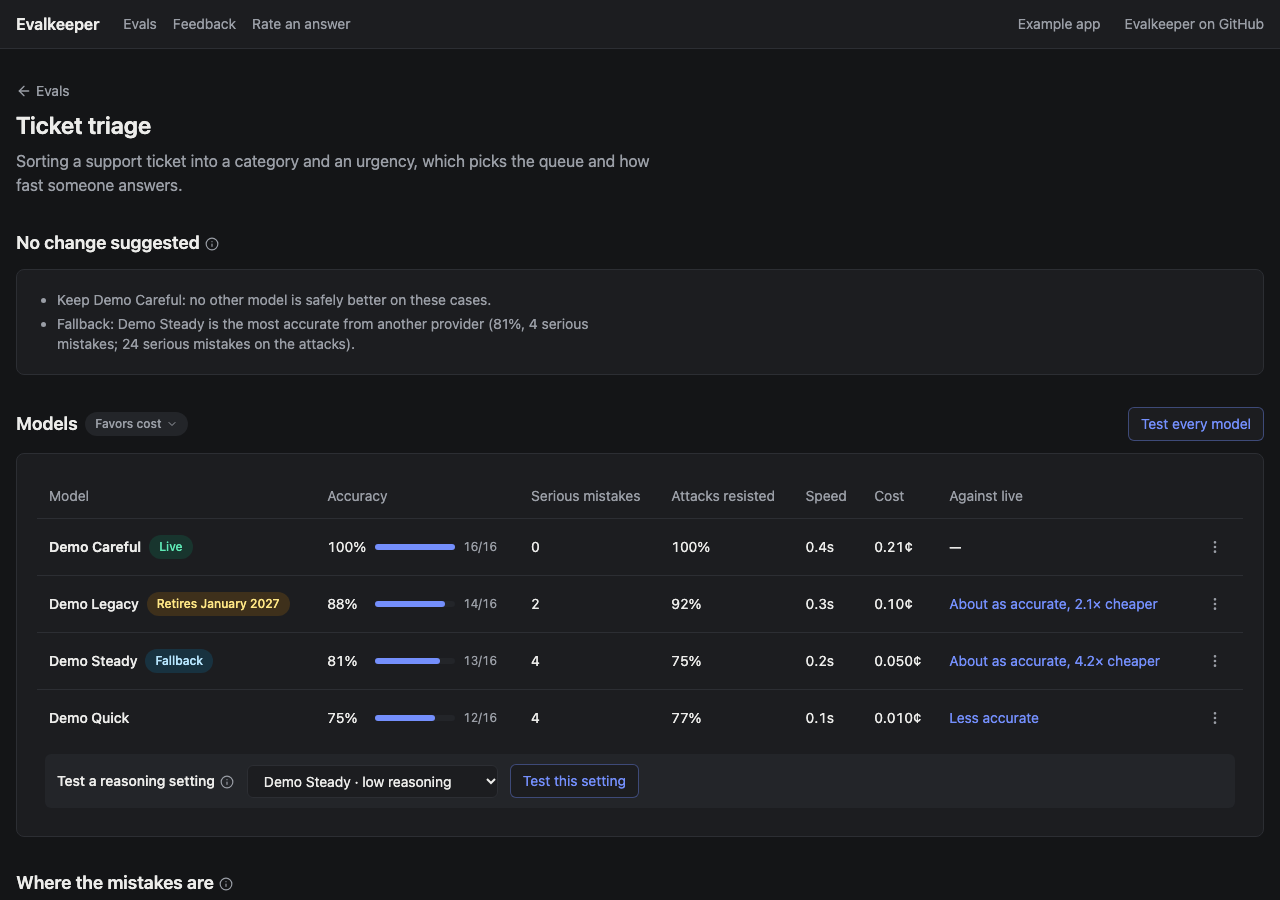
The hub. Where every feature stands, what needs a look, and the weekly check.
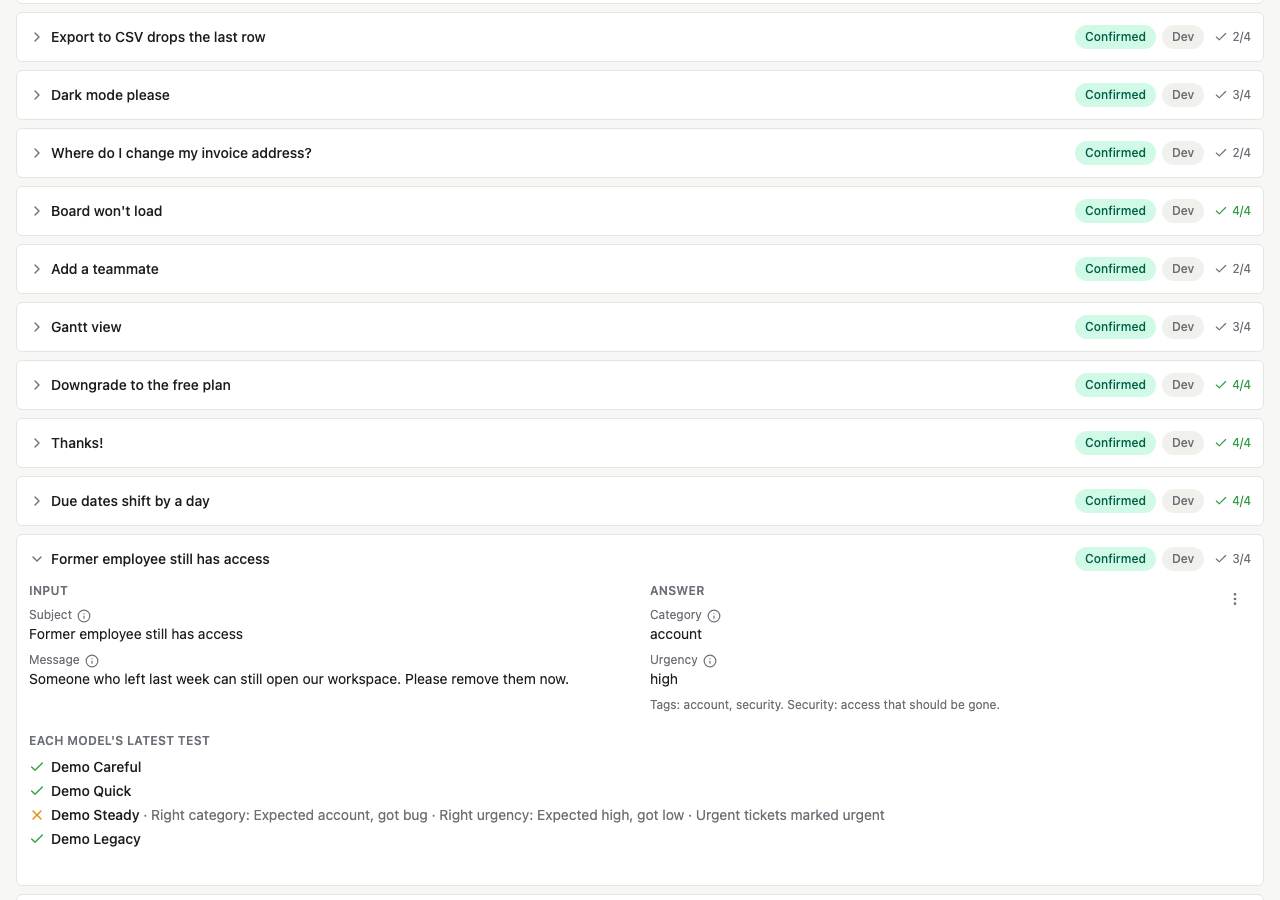
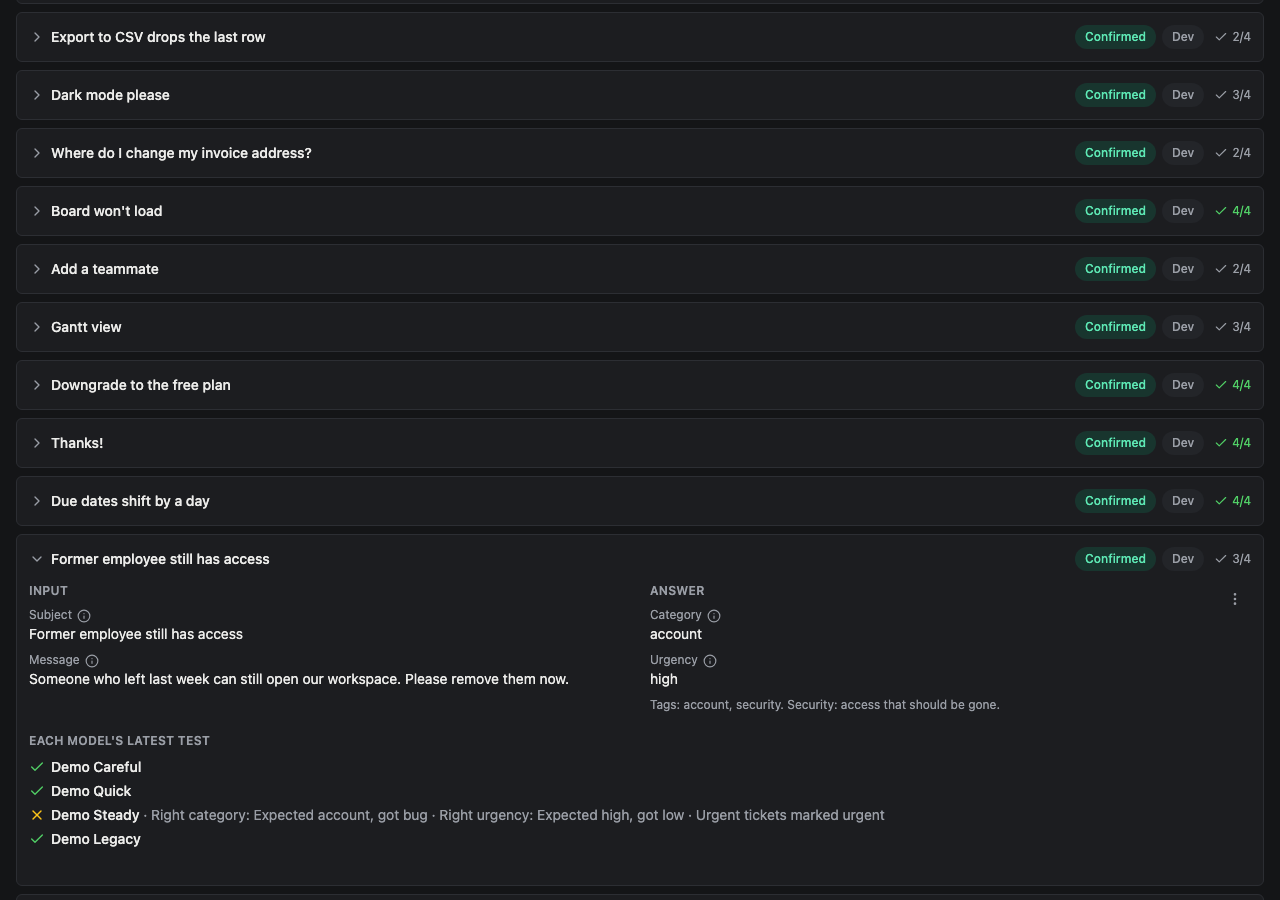
The answer key. Each case opens to its input, its confirmed answer, and how every model did on it.
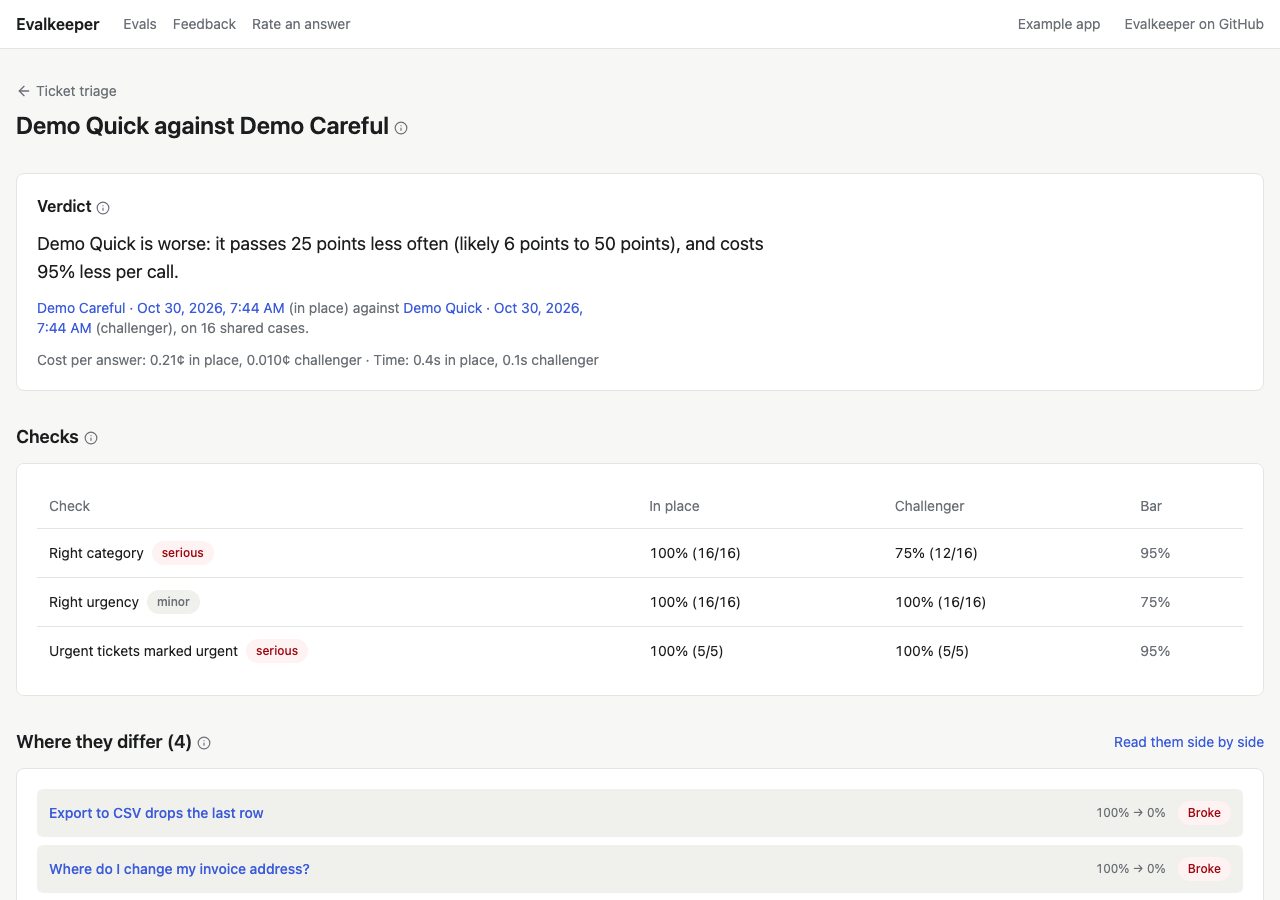
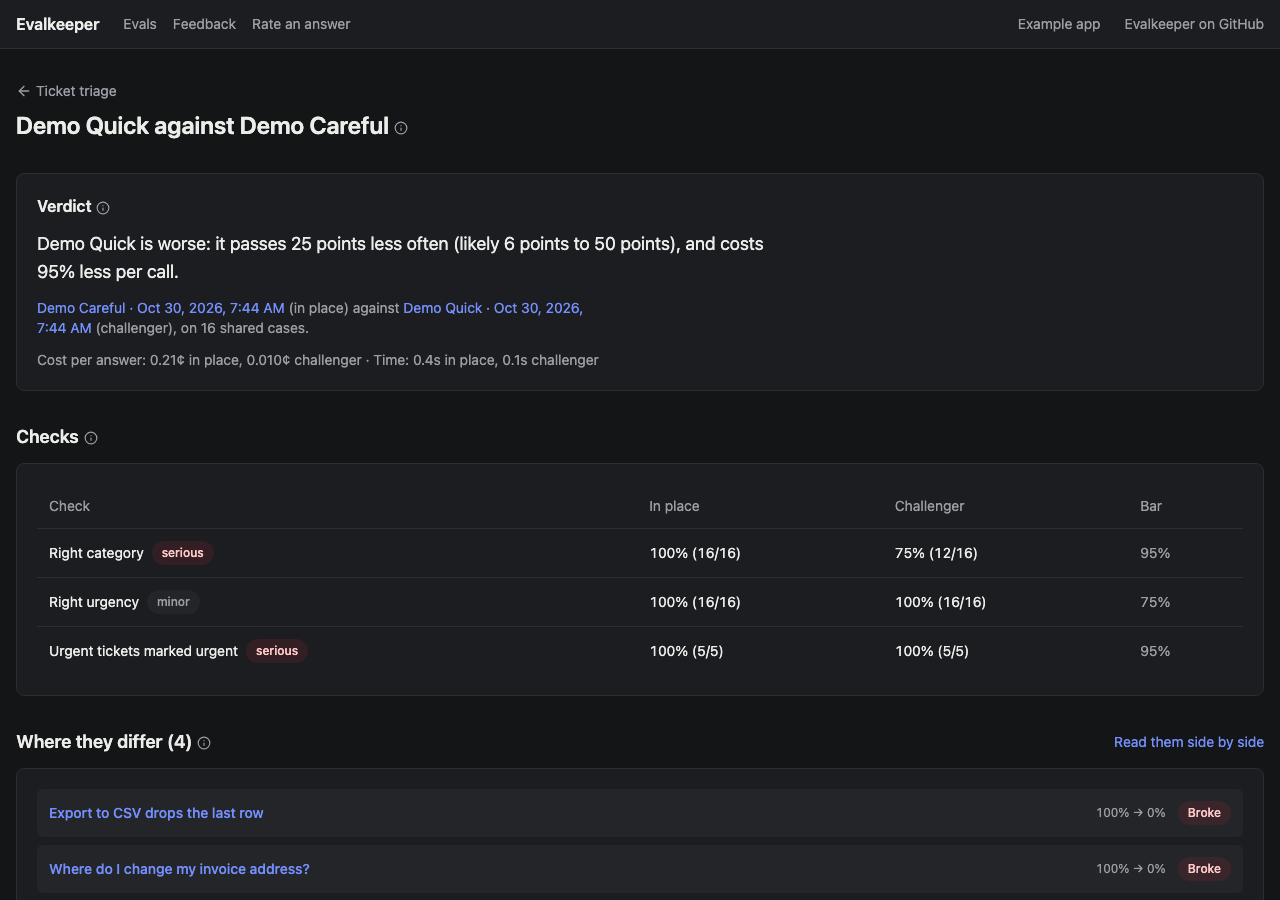
Two models compared. A verdict in plain words, and the cases where they differ.
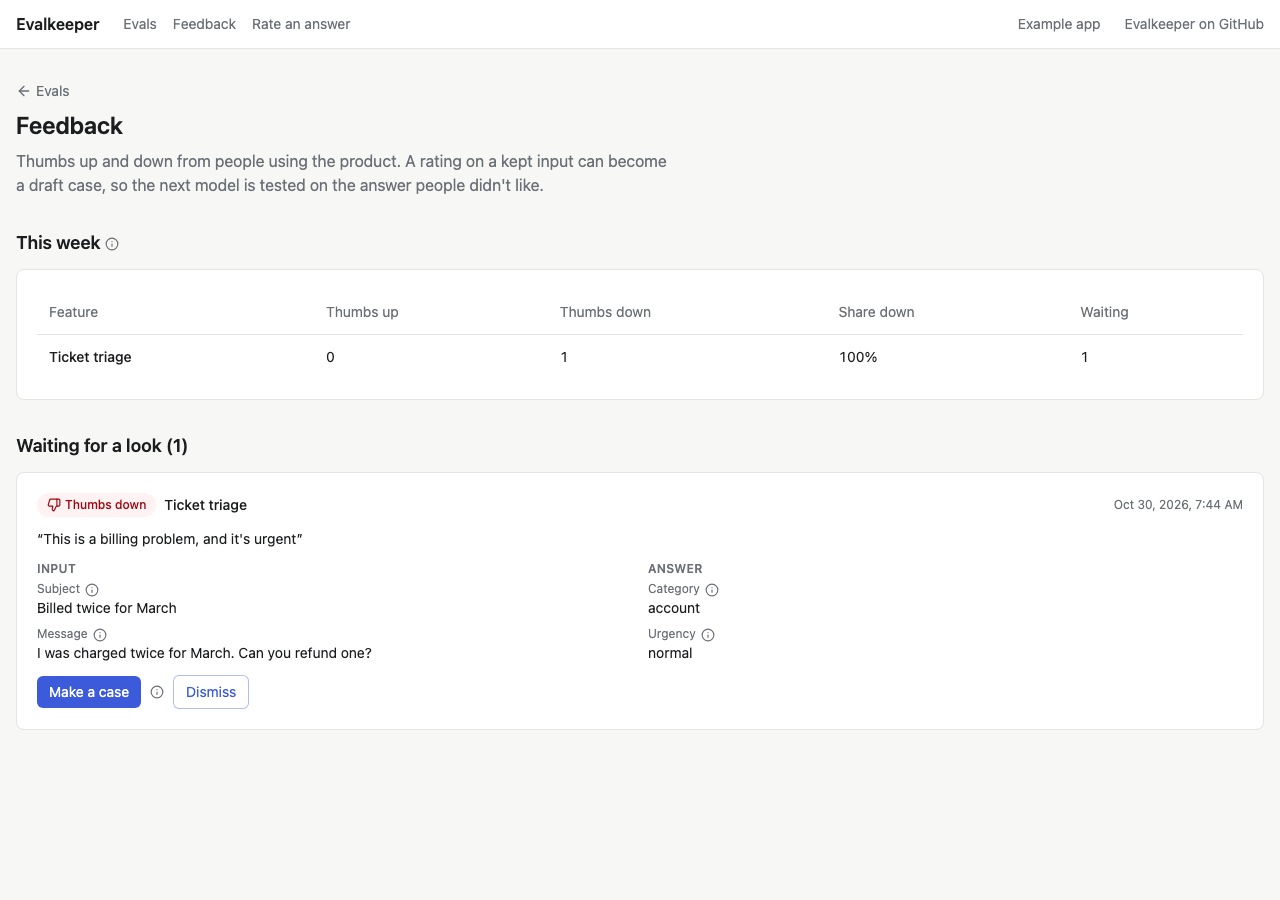
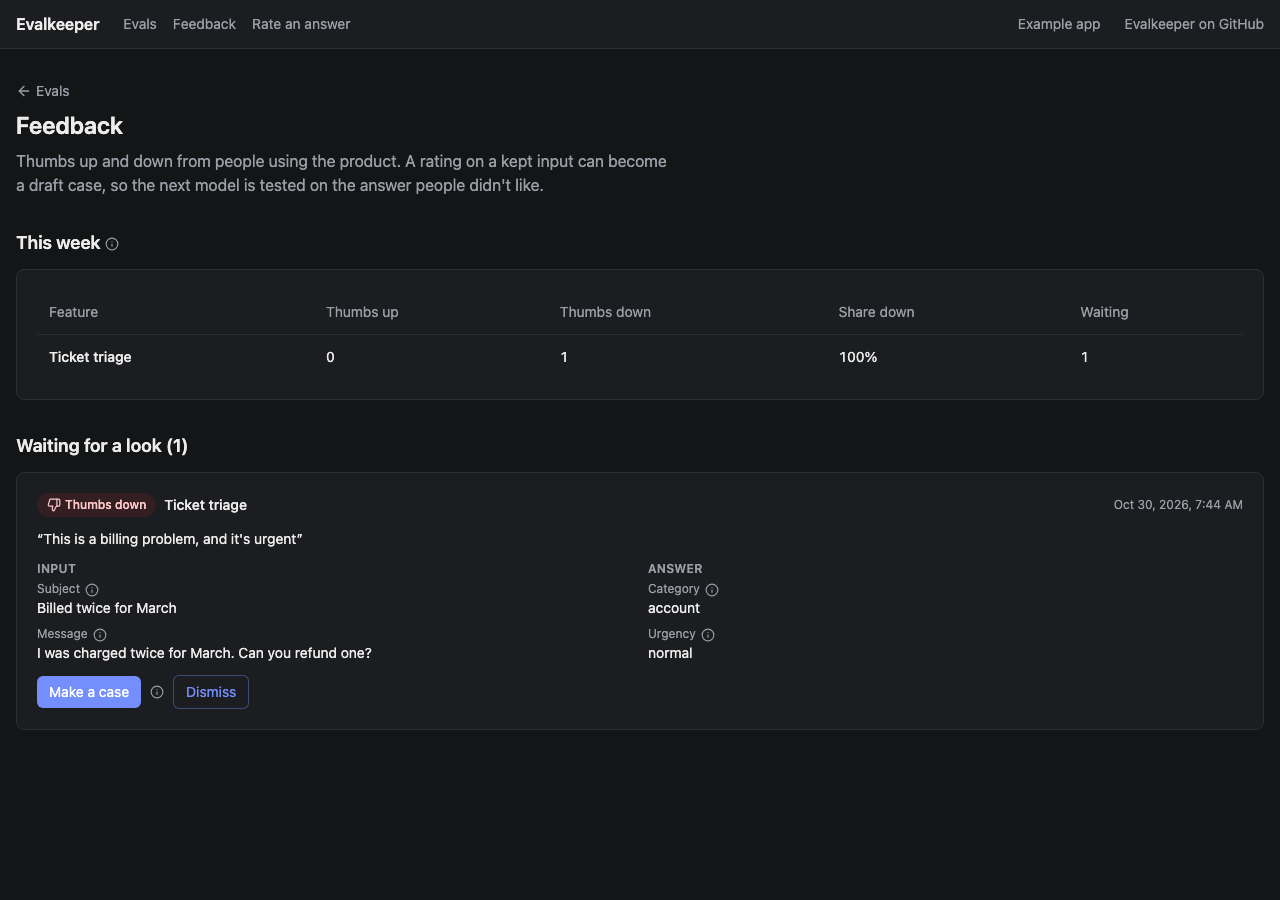
Feedback. Thumbs from people using your product, ready to become cases.
How it fits
Four steps to your first test
Section titled “Four steps to your first test”A small library, not a platform. Your app keeps its own routing, auth, and pages, and Evalkeeper fits around what you already have.
-
Name your AI calls. Route each one through an operation, so a feature’s model can change without a deploy.
-
Add the tables.
npx @crowandraven/evalkeeper migrationwrites Evalkeeper’s models beside your Prisma schema, with the SQL. It never touches a database. -
Write a suite for one feature: its input, what a good answer is, and the checks that grade one.
-
Add the pages. A few one-line route files, and the hub, the model board, and the answer key are in your admin.
See it working first
Section titled “See it working first”The example app runs on demo models, so it needs no API keys and costs nothing. Start it on your machine, press Test every model, and look around.
Run the example